Blog Cloud Computing
Microsoft Code Red: What Caused the Microsoft 365 Outage
On this page· 6 sections
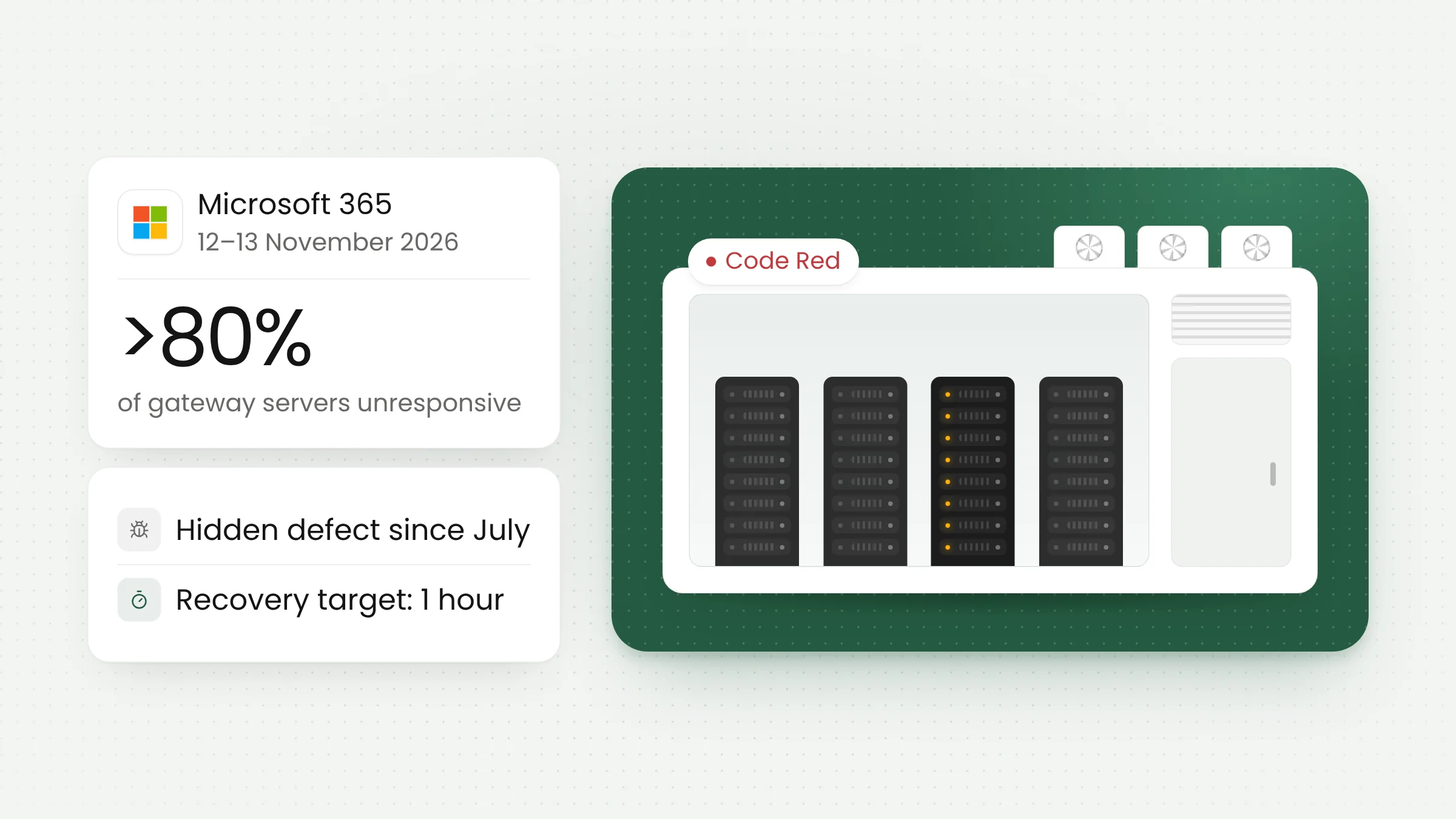
Microsoft Code Red is the internal emergency status the company declared after the Microsoft 365 outage of Nov. 12 and 13, 2026. Its final report traces the failure to a software defect that had sat on gateway servers since July. Reuters reports that Microsoft now wants worldwide recovery within one hour.
When we covered the Microsoft 365 outage and BSSN’s advice on Nov. 13, the root cause had not been published. Two documents have since appeared: Microsoft’s final post-incident report, dated Nov. 20, and a Reuters story from Nov. 24 on internal memos that set out Code Red.
Four factors behind the Nov. 12 outage
The final report is available to customers in the Microsoft 365 admin center under incident IDs EX1550543 and MO1550821, and a copy is hosted on an administrator community site. All times are in UTC.
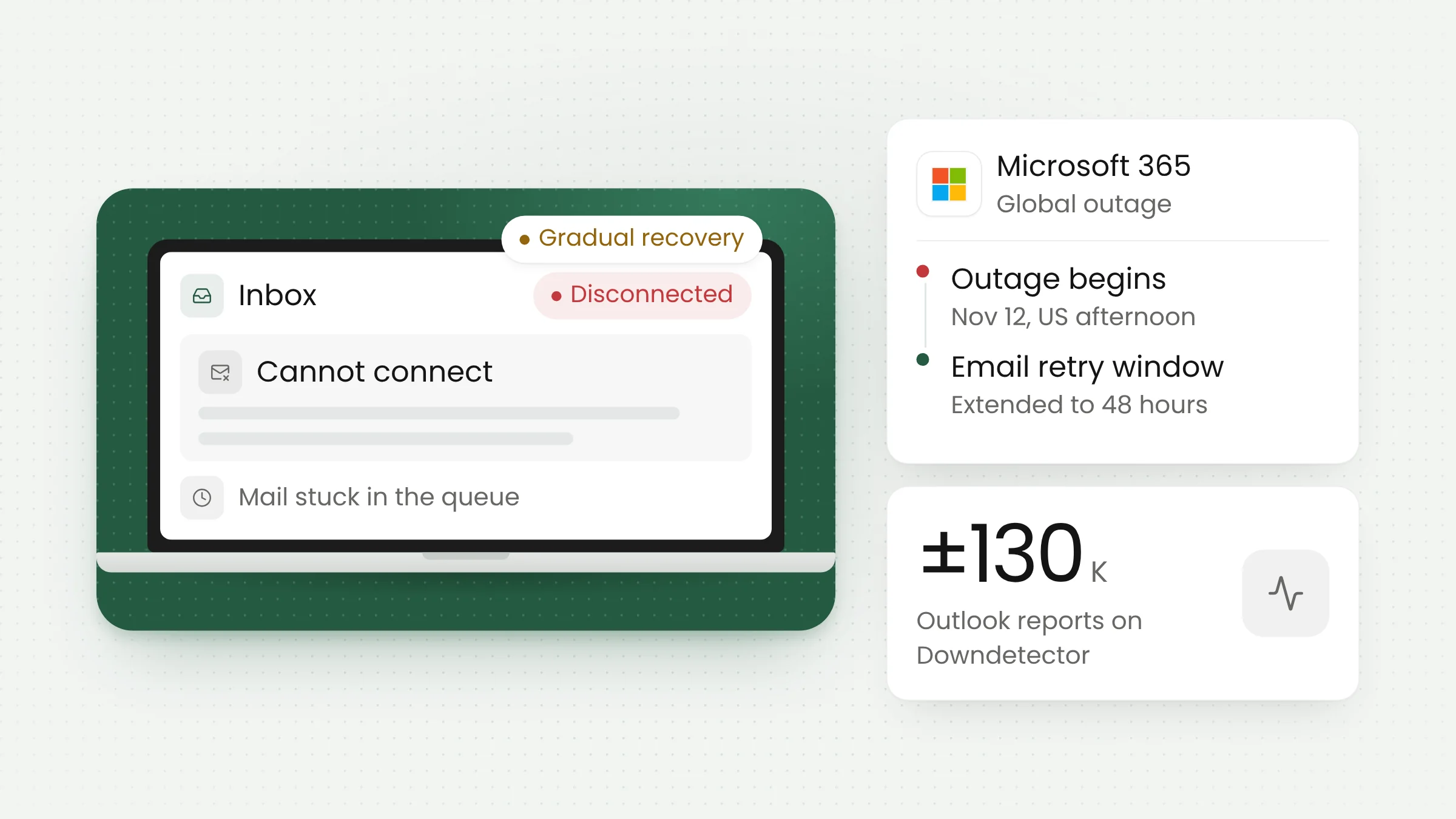
Microsoft puts the start of the incident at 4:20 PM UTC on Thursday, Nov. 12. Customers were no longer seeing active impact at 4:10 PM UTC on Friday, Nov. 13, which is 23 hours and 50 minutes later. In Indonesia, seven hours ahead of UTC, that covered all of Friday’s working day. It was formally declared resolved at 4:15 AM UTC on Saturday.
Exchange Online, the mail service behind business Outlook, took the heaviest hit. Most users could not open their mailboxes and mail delivery was delayed. Copilot, Teams, SharePoint, OneDrive, Defender and Purview were affected in the features that depend on Exchange Online data.
The report names four factors.
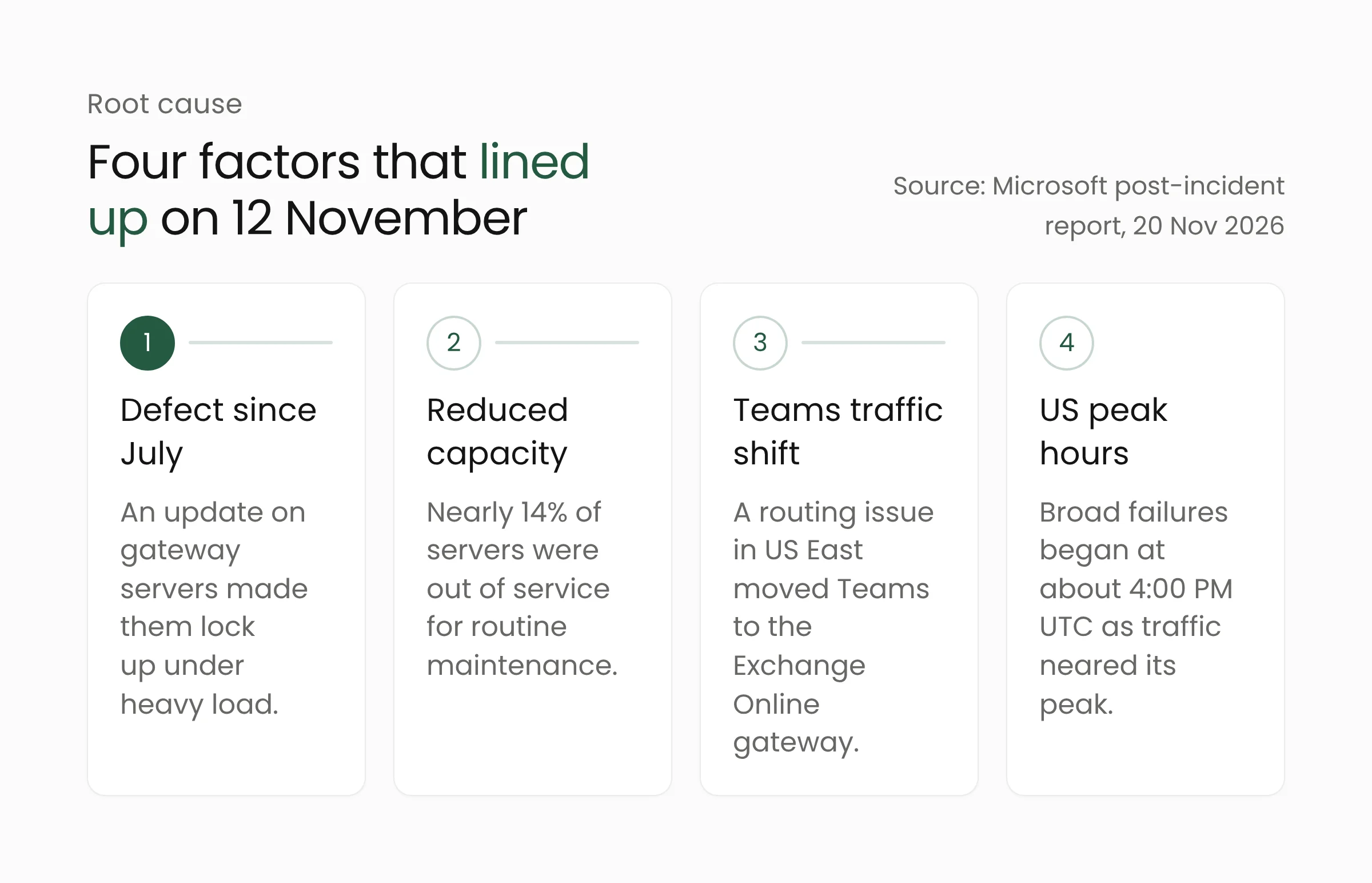
A connection-processing defect. An update enabled on Microsoft 365 networking gateway servers caused Windows servers to become overwhelmed under certain load conditions. Microsoft says lock contention inside an internal Windows process exhausted CPU and memory. The update began rolling out in July and ran for more than three months with no problems. The defect only appeared on newer hardware with more processor cores, while Microsoft’s load tests used older machines.
Reduced capacity. Nearly 14% of gateway server capacity was out of service as part of a routine deployment of a new service version. Microsoft says this alone would not have caused impact because spare capacity remained.
A Teams traffic shift. Microsoft 365 runs two separate gateway systems. At 1:07 AM UTC on Nov. 12, a routing issue in the US East region caused Teams connection timeouts and triggered an automatic failover to the gateway that also serves Exchange Online. Services stayed healthy for about 16 hours afterward.
Peak load. Broad failures in North America began at about 4:00 PM UTC, as US traffic approached its daily peak.
The preliminary report of Nov. 15 listed three factors and tied the reduced capacity to an unrelated issue from the previous day. The final report adds peak load and calls the reduction routine.
How the failure spread to every region
The gateway is made up of thousands of capacity units. When servers in one unit stop responding, traffic management systems send users to other healthy units. This time the extra traffic triggered the same defect on the servers that received it.
In less than two hours, the defect had been triggered across a significant portion of the North American fleet. At the lowest point, more than 80% of servers were unresponsive. The system then redirected traffic to other regions that carried the same defect. Within about two hours of the broad failures, servers in every region were affected.
Why recovery took almost a day
Restarted servers were immediately swamped by queued connections and locked up again. The change behind the defect was several months old, so engineers needed longer to identify it, and the usual safeguards for recent changes, such as a rollback, could not reverse it quickly.
A fix was identified and first applied at 7:20 AM UTC on Friday. Each server had to go through five steps: removal from service, a restart, the patch, a second restart, and a return to service. Microsoft says the incident was not caused by a cyberattack or by AI tooling, and that it found no evidence of malicious activity.
Code Red and Microsoft’s 13 follow-up actions
Reuters reported on Nov. 24, citing internal memos, that Microsoft had declared Code Red, its highest-priority status. Jason Henderson, president of M365 Core, wrote to staff on Friday, Nov. 20, and called the outage the most customer-impacting incident in the history of Exchange Online.
“Code Red means that this is the highest priority work for our team,” Henderson wrote, according to Reuters. He also acknowledged that years of reliability work had not been enough to protect the service that day.
A second memo came from Amanda Silver, the corporate vice president who oversees M365 Core and Work IQ. According to Reuters, Silver wrote that responders exchanged more than 11,000 messages across 11 Teams chats. Diagnostic data was scattered across separate tracking systems.
Silver set out five workstreams. Three have been named in press coverage: load shedding, geographic traffic partitioning, and faster recovery mechanisms. The goal is worldwide recovery within one hour in a future incident. Microsoft also plans to use AI agents to help engineers read system health data. Henderson will hold daily meetings and weekly reviews.
The memo details come from Reuters reporting, repeated by outlets including Silicon Republic and Fox News. Microsoft has not published the memos. The one-hour figure is best read as an internal target and is not a service commitment to customers.
The written commitments are in the post-incident report, which lists 13 follow-up actions. Nine carry a target of either the fourth quarter of 2026 or the first quarter of 2027, and four have no date yet.
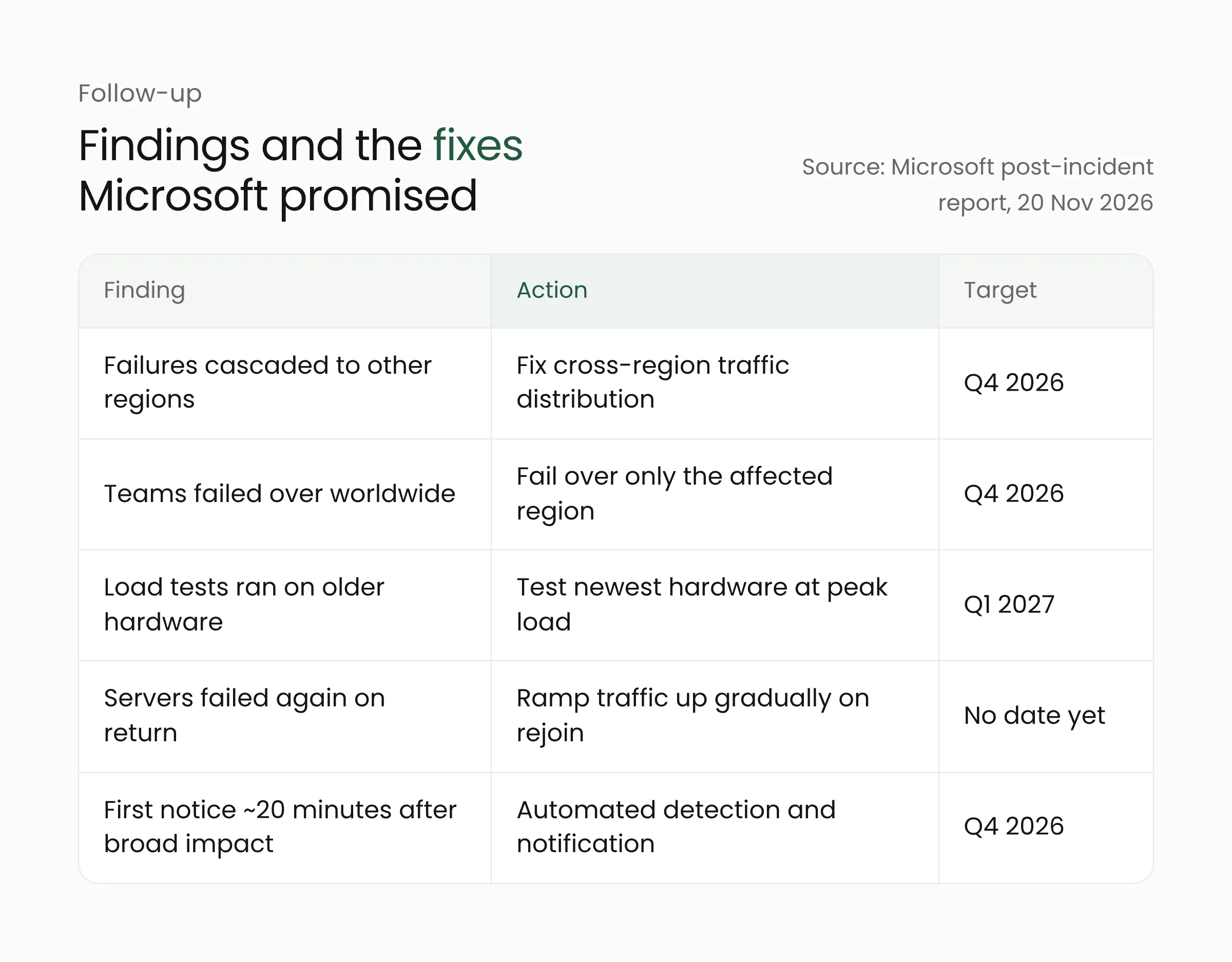
Beyond the items in the table, Microsoft plans to split gateway capacity into pools per workload in the first quarter of 2027, so that trouble in one service does not drag down another.
What this means for IT teams
Microsoft says neither the defect nor the update applies to broader Windows deployments, so your own Windows servers need no patch because of this incident.
The failure pattern is the lesson. It can occur in far smaller systems, such as a hospital information system or an online store with a few servers behind a load balancer.
- Match the test environment to production. Microsoft’s load tests missed the defect because they ran on older hardware. Check that machine types, core counts and traffic mix in testing still match production, especially after a server refresh.
- Put limits on automatic failover. A failover that moves the entire load onto the remaining servers can bring those servers down too. Set a load ceiling per server and reject excess requests with a clear message.
- Rehearse recovery from a full stop. Recovery plans often test only a single failed server. Test with every server down, and bring the service back in stages.
- Keep a long change history. The cause of this incident was more than three months old. Records of operating system, library and network changes should be searchable well beyond last week’s release.
- Control retry behavior in applications. Clients that retry with no delay add load while a service recovers. Use a delay that grows with each attempt.
Microsoft 365 customers should check three things from the report:
- Failed integrations. Business applications that connect to Exchange Online through its APIs failed during the incident. Check whether automated jobs, such as invoice emails, need to be rerun.
- Delayed email protection. Microsoft says zero-hour auto purge (ZAP), which removes malicious mail after delivery, was delayed, and that users may have had trouble with Safe Links checks. Security teams should review mail received Nov. 12 to 14.
- Unfinished admin actions. Releases or deletions of quarantined messages that failed during the outage need to be repeated.
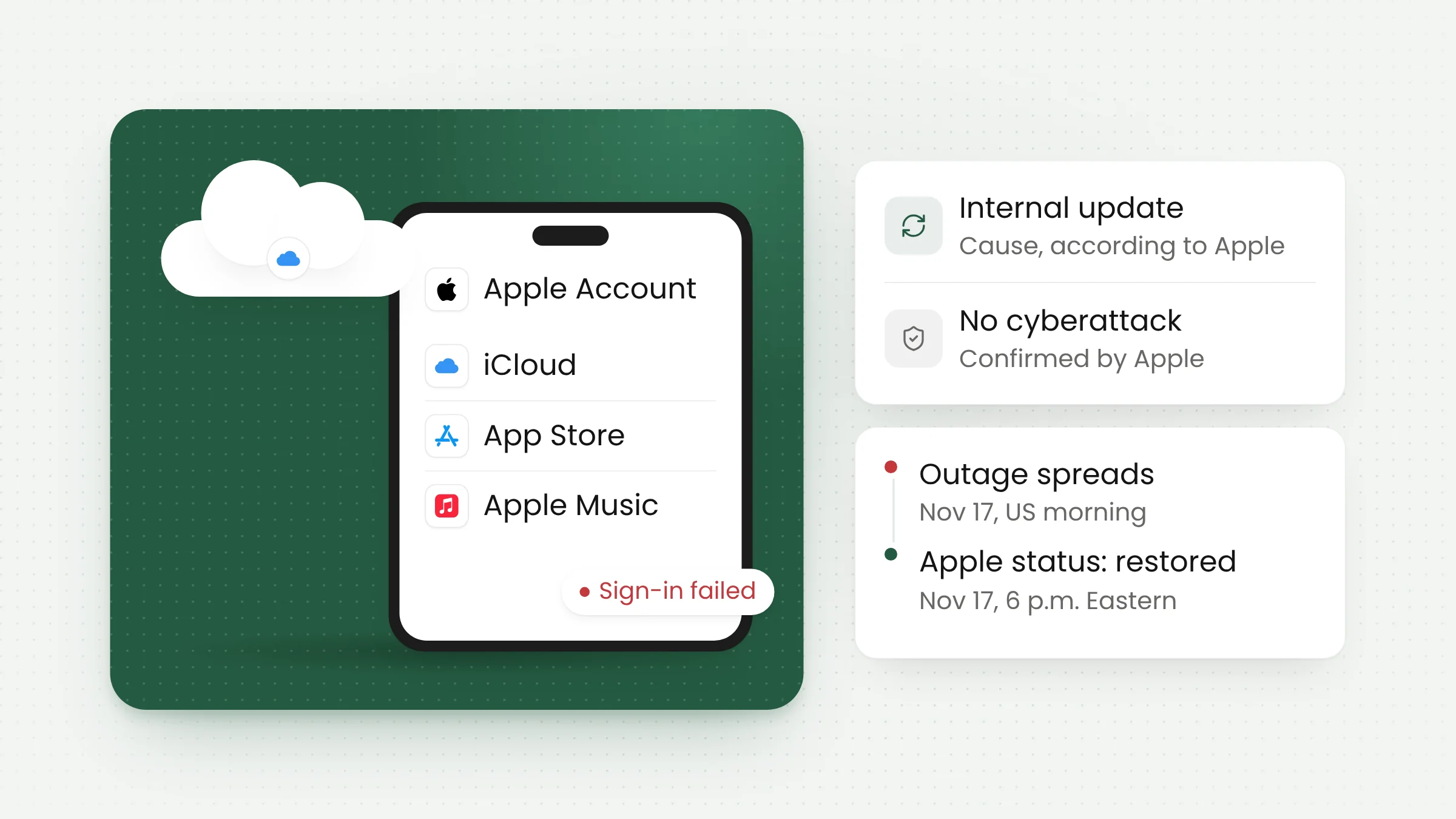
Decisions about a fallback architecture should start from how long the organization can work without email. In cloud computing services work, that figure determines whether an emergency communication channel is enough or a secondary mail route at another provider is justified. The iCloud outage caused by an internal update also began with a change on the provider’s side.
Frequently asked questions
Was the Microsoft 365 outage caused by a cyberattack or by AI?
No, according to Microsoft. The final report says the incident was confirmed not to be caused by a cyberattack, that no evidence of malicious activity was found, and that the change was not caused by AI tooling.
Do the Windows servers in my office carry the same defect?
No. Microsoft says the defect came from an update enabled on Microsoft 365 networking gateway servers, and that neither applies to broader Windows deployments.
Was any email lost during the outage?
For enterprise customers, Microsoft says all queued messages have been delivered and none were permanently lost. The delivery retry window was extended from 24 to 48 hours. The exception is some messages for consumer mailboxes inactive for more than 30 days, which expired and returned non-delivery reports.
Closing
Microsoft’s final report shows in detail how one defect took down a worldwide service through an old update, unrepresentative load tests and automatic traffic redirection. Code Red shows the direction of the repair work, and the formal deadlines sit in the 13 follow-up actions that run to the first quarter of 2027. To review your own systems against the same questions, the Merakit team is glad to talk.
Sources
- Post Incident Report for Microsoft 365, EX1550543/MO1550821, Microsoft, Nov. 20, 2026 (copy; the original is in the Microsoft 365 admin center)
- Preliminary Post Incident Report for Microsoft 365, Microsoft, Nov. 15, 2026 (copy)
- Microsoft declares ‘Code Red’ after historic outage, internal memos show, Reuters via The Korea Times, Nov. 25, 2026
- Microsoft declares ‘Code Red’ after disruptive global outage, Silicon Republic, Nov. 25, 2026
- Microsoft declares Code Red after 24-hour outage hit most of its users, Fox News, Nov. 24, 2026