Blog Artificial Intelligence
Local AI on a Laptop: What Surface Laptop Ultra Means
On this page· 7 sections
On October 7, 2026, Microsoft and Nvidia launched the Surface Laptop Ultra, a laptop built to run local AI on the device itself rather than only through the cloud. For organizations, it raises two practical questions: where is your data processed, and who keeps AI agents in check?
What Microsoft and Nvidia announced
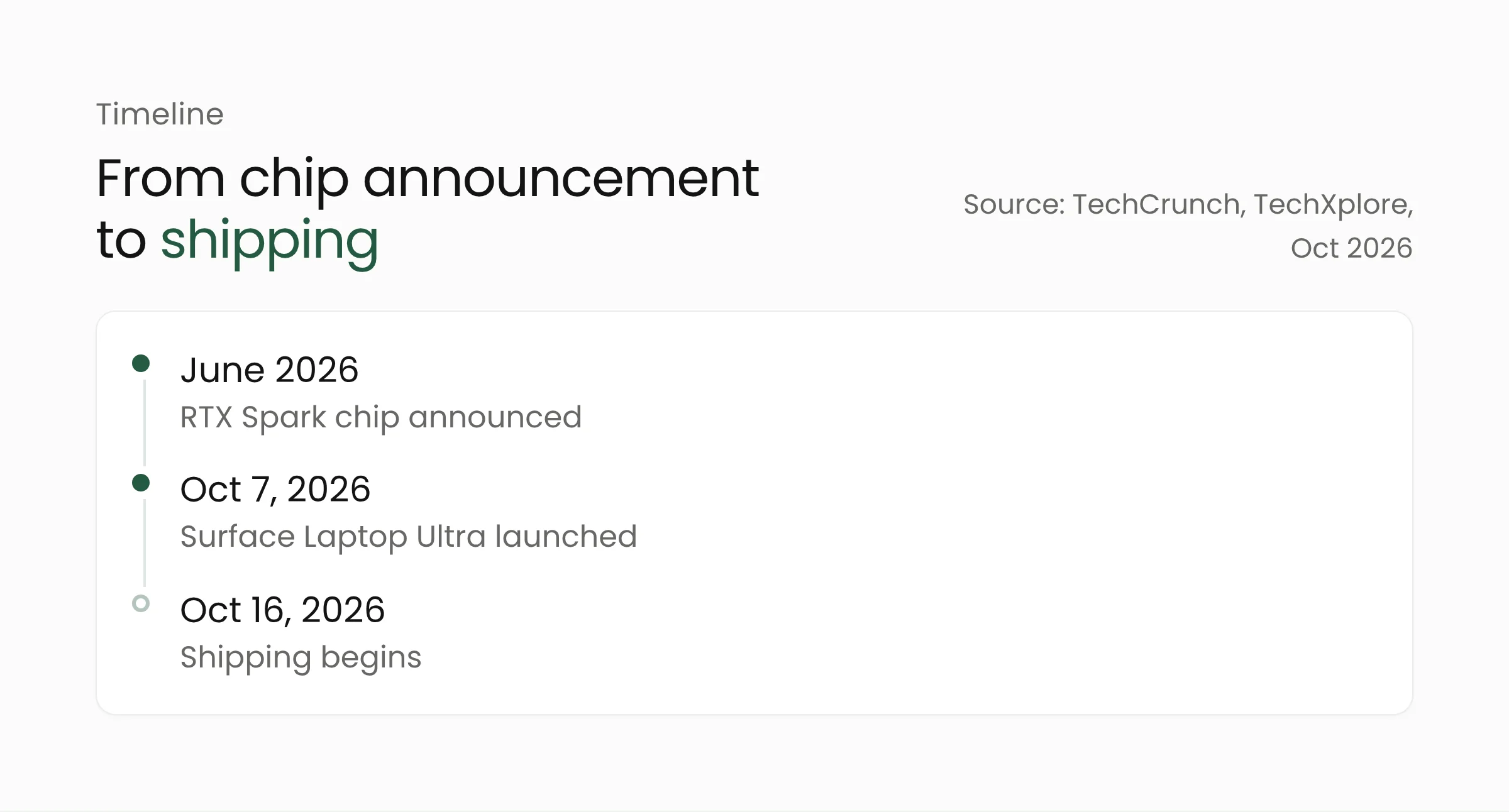
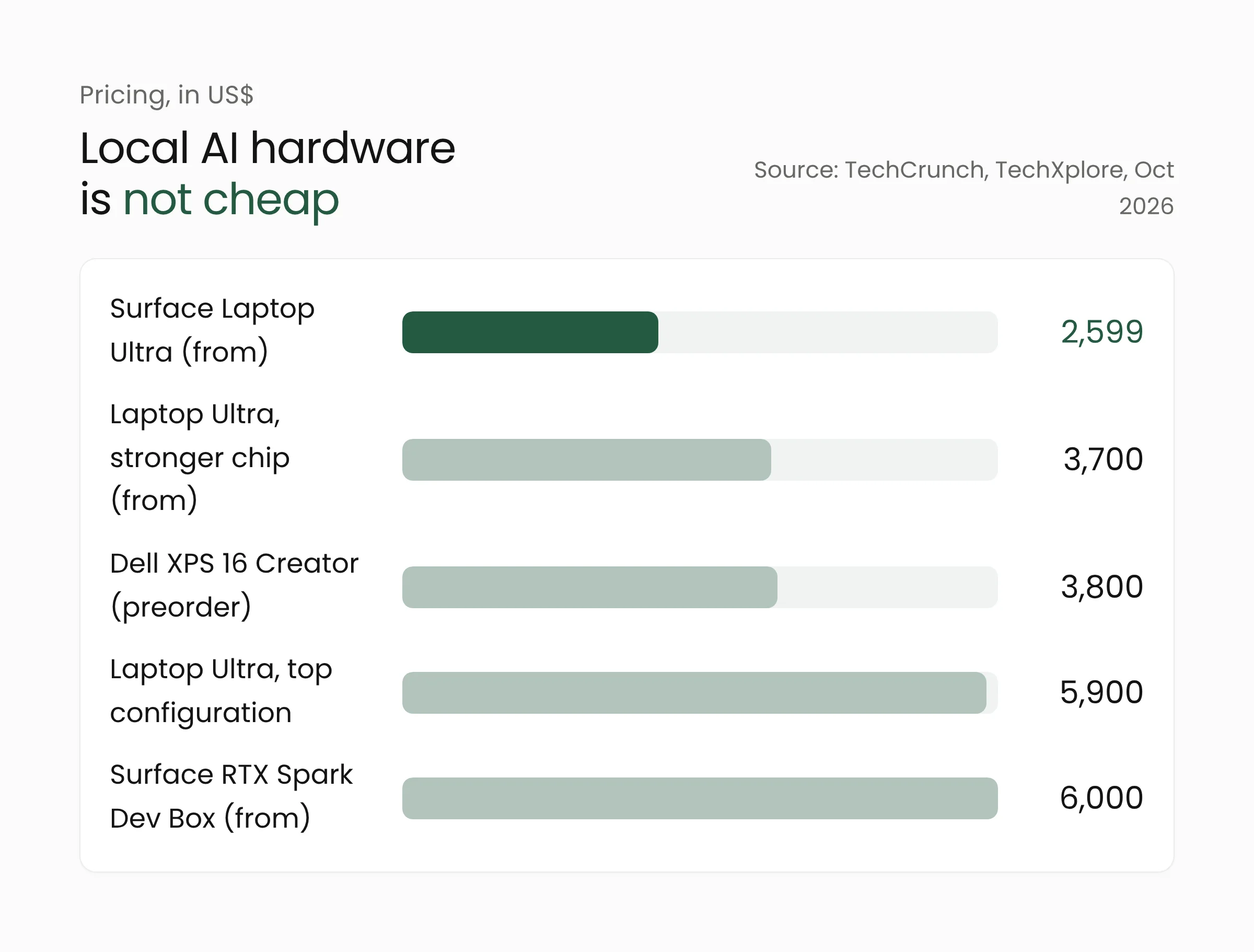
The launch took place at an event in San Francisco. According to TechCrunch, the Surface Laptop Ultra uses Nvidia’s RTX Spark chip, which was announced in June 2026 together with several PC makers. The base model starts at $2,599 (TechCrunch rounds it to $2,600), and a version with a more powerful chip starts at $3,700. Extra memory and storage push the price up to $5,900. Microsoft says the top configuration is already out of stock.
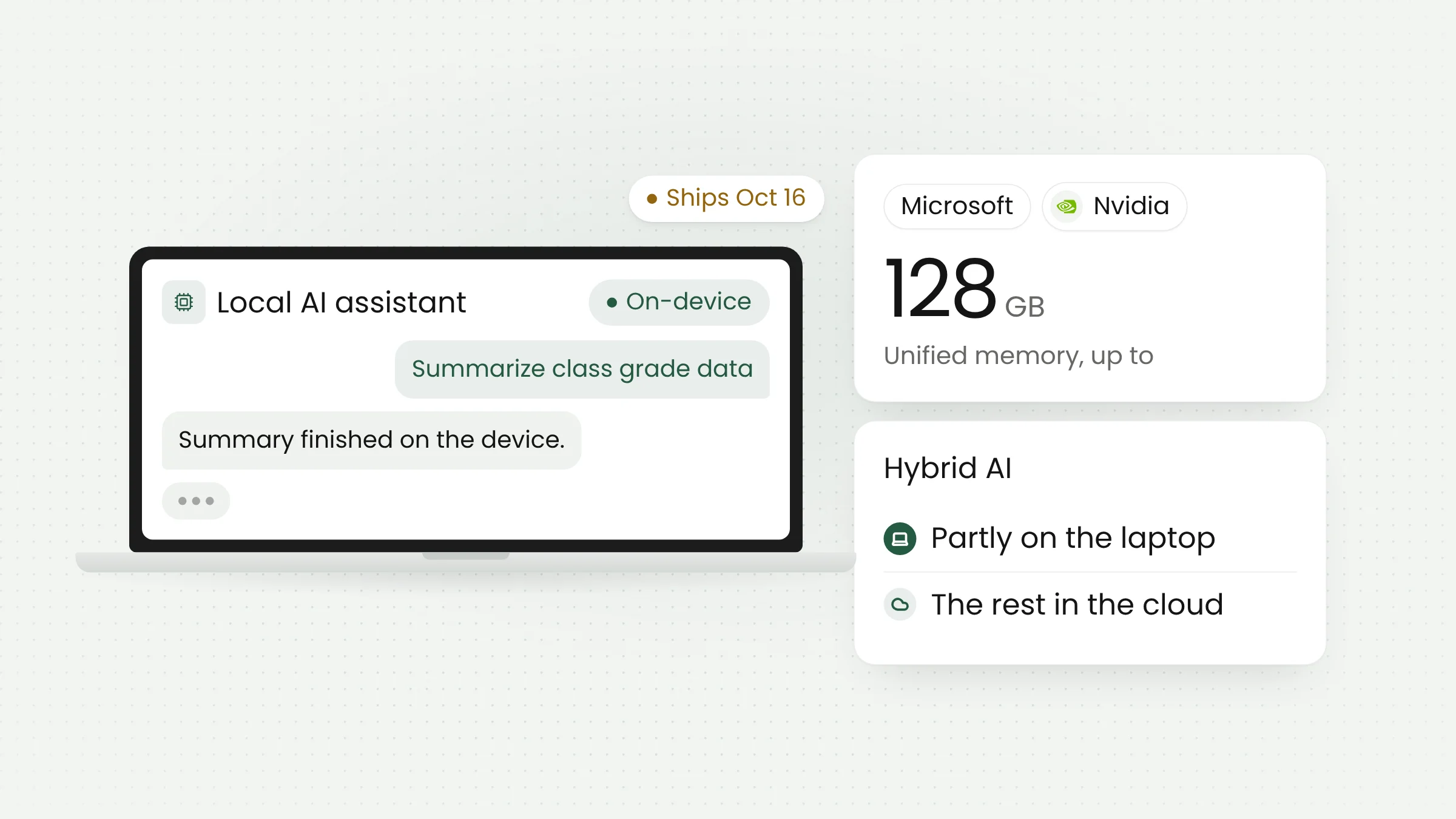
On capacity, Microsoft’s Pavan Davuluri cited up to 128 GB of unified memory, as quoted by Yahoo Finance. Unified memory means the processor and graphics chip share one pool, which makes it easier to load large AI models. TechXplore reports that shipping begins October 16.
Microsoft also sells the Surface RTX Spark Dev Box, a workstation starting at $6,000 that ships with VS Code, GitHub Copilot CLI, WSL, and PowerShell 7. Other makers are joining in: Dell opened preorders for the XPS 16 Creator Edition with the same chip at $3,800, with delivery later in October. The sources we read do not mention pricing or availability in Indonesia.
Hybrid AI: part on the laptop, part in the cloud
Microsoft calls its approach “hybrid intelligence.” Per TechXplore, some AI work runs on the device while other applications keep using Microsoft’s cloud services. So this laptop does not replace the cloud. It adds one more place to run AI.
On the technical side, IEEE Spectrum wrote in June that the chip has 20 Arm CPU cores and 6,144 GPU cores, with support for up to 128 GB of memory. The author explains that the GPU handles large language models and image generation, while the NPU takes care of background features such as Windows Recall. Those figures come from pre-launch briefings, so check them against the final product spec sheet.
On speed, Microsoft claims AI image generation is 4.3 times faster and AI video generation 6.2 times faster than a MacBook Pro with Apple’s M5 Pro chip, according to Yahoo Finance. Those are Microsoft’s claims, and the coverage we read includes no independent testing.
The launch is also part of a wider contest. TechXplore describes Nvidia’s move into personal computers as a challenge to a market long dominated by Intel and Qualcomm chips, and as a way for Microsoft and Nvidia to compete with Apple, Intel, and AMD. Apple itself introduced the Mac mini and Mac Studio in September, which it says can run AI locally. Nvidia CEO Jensen Huang said AI agents will be central to software development. Running AI on the device is now a main battleground for laptop makers, not a side feature.
There is a skeptical note too. IEEE Spectrum reminds readers that earlier Arm-based Windows laptops had mixed success, and whether RTX Spark succeeds remains to be seen. IDC analyst Tom Mainelli expects early buyers to be consumers and businesses willing to pay a premium, with price a major factor.
AI agents, and the containers that limit them
The part that matters most to security teams may not be the hardware at all, but Microsoft Execution Containers (MXC). The feature works at the operating-system level to limit what an AI agent can touch. An agent is an AI program that carries out multi-step tasks on a user’s behalf. According to TechCrunch, Satya Nadella said the feature will be available to all Windows 11 users, not only buyers of new Surface devices. Unite.AI reports that Microsoft announced general availability at the same event.
Nadella summed up the reasoning briefly: “just having a model doesn’t do much for anything.” In other words, a model alone is not enough. What counts is what an agent can do and how safely that work is fenced in. We could not find details on the available controls, such as permission types and activity logging, in official sources, so watch Microsoft’s documentation before drafting policy.
We have covered agents from another angle in our piece on the Personal Agent Protocol, where personal agents start visiting business systems.
What this means for your organization
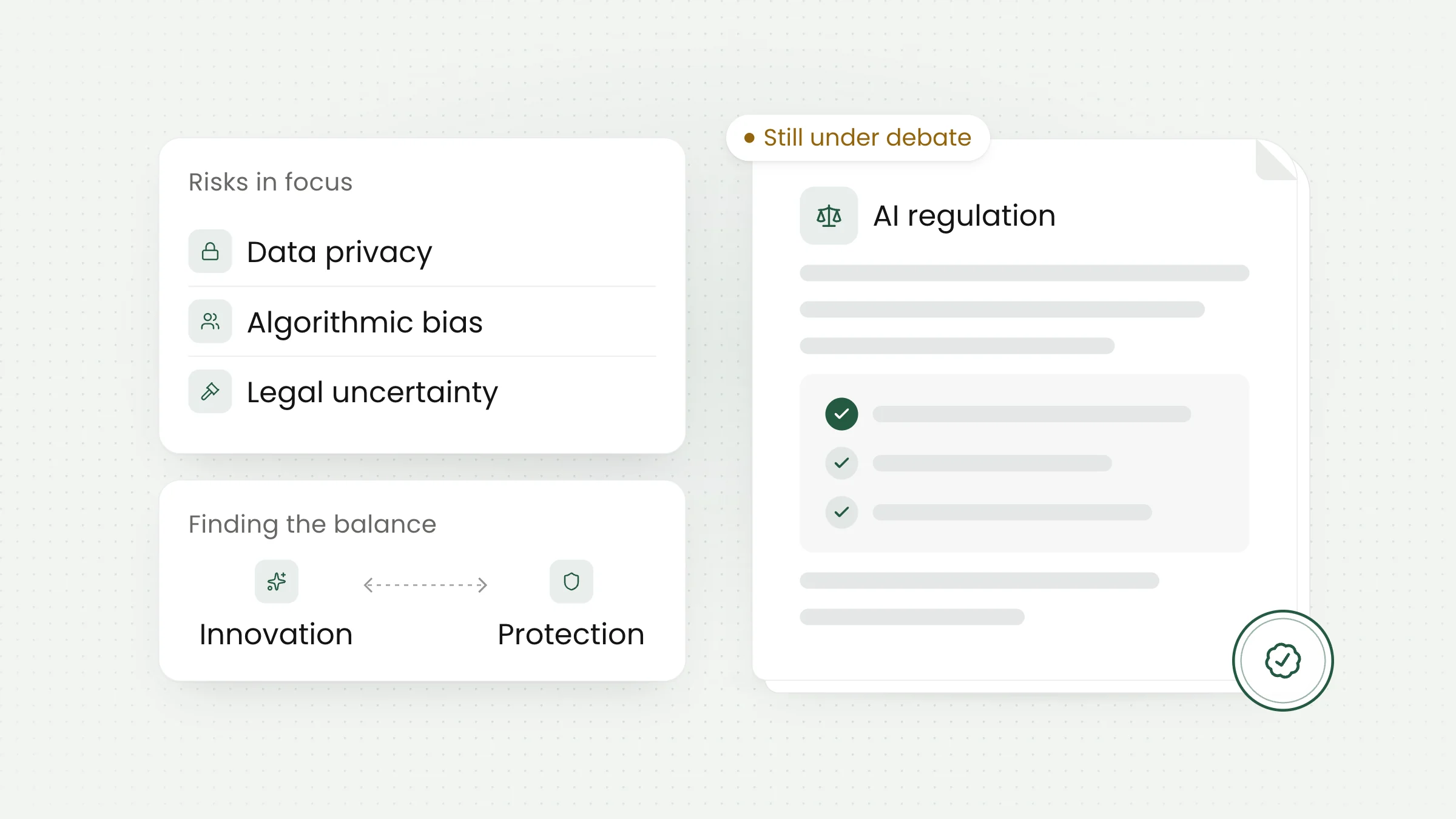
Picture an education office that wants AI to summarize grade sheets or attendance reports. If the summary is generated on a staff member’s laptop, the data does not need to travel to a provider’s server for that task. That can reduce exposure, but it does not remove your obligations. Compliance with Indonesia’s Undang-Undang Nomor 27 Tahun 2022 tentang Pelindungan Data Pribadi (Law No. 27 of 2022 on Personal Data Protection) still depends on who accesses the data, where it is stored, and how it is protected, not only on where the model runs.
Map your data before choosing hardware. Decide which categories of data may be processed on a laptop, which must stay in central systems, and which AI must never touch. That decision matters more than chip specifications.
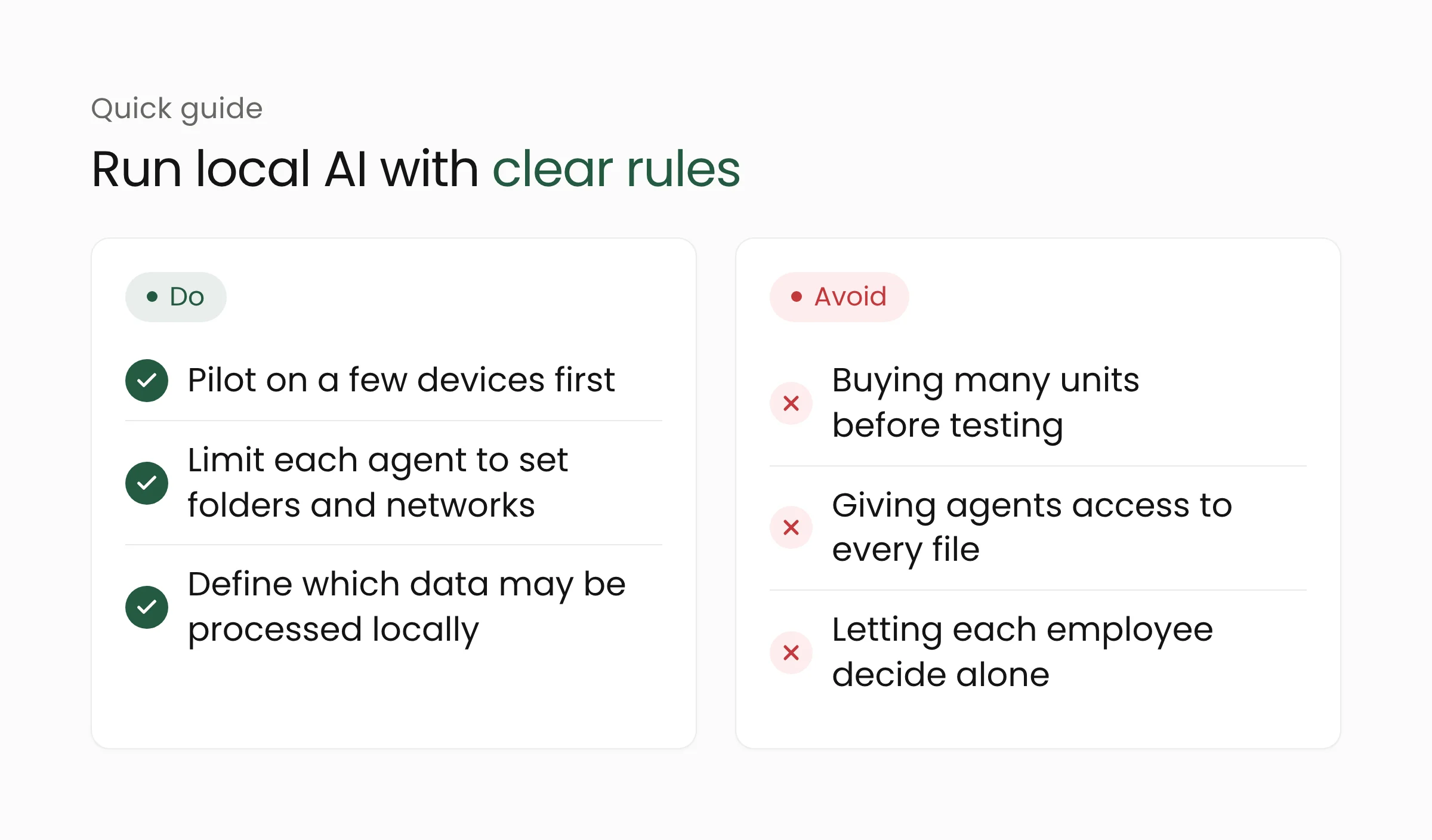
Pilot small first. A per-unit price between $2,599 and $6,000 demands a clear reason. Try a few devices on real tasks, such as document analysis or coding help, and measure the benefit before buying in bulk.
Limit agents from day one. Treat an AI agent like a new hire: access to folders and networks only as needed. If your organization runs Windows 11, study the agent container feature and test it with your cybersecurity team.
Do not forget device management. Local models and data live on laptops that can be lost or stolen. Disk encryption, device management, and a lost-device procedure become more important, not less.
There is one more consideration that is often missed: who stays in control. Cloud services give you updates, monitoring, and scale managed by the provider. Local devices give you control over data, but shift responsibility for updates, backups, and security to your own team. For a school or office with limited IT staff, that workload should be counted from the start, not after the devices arrive.
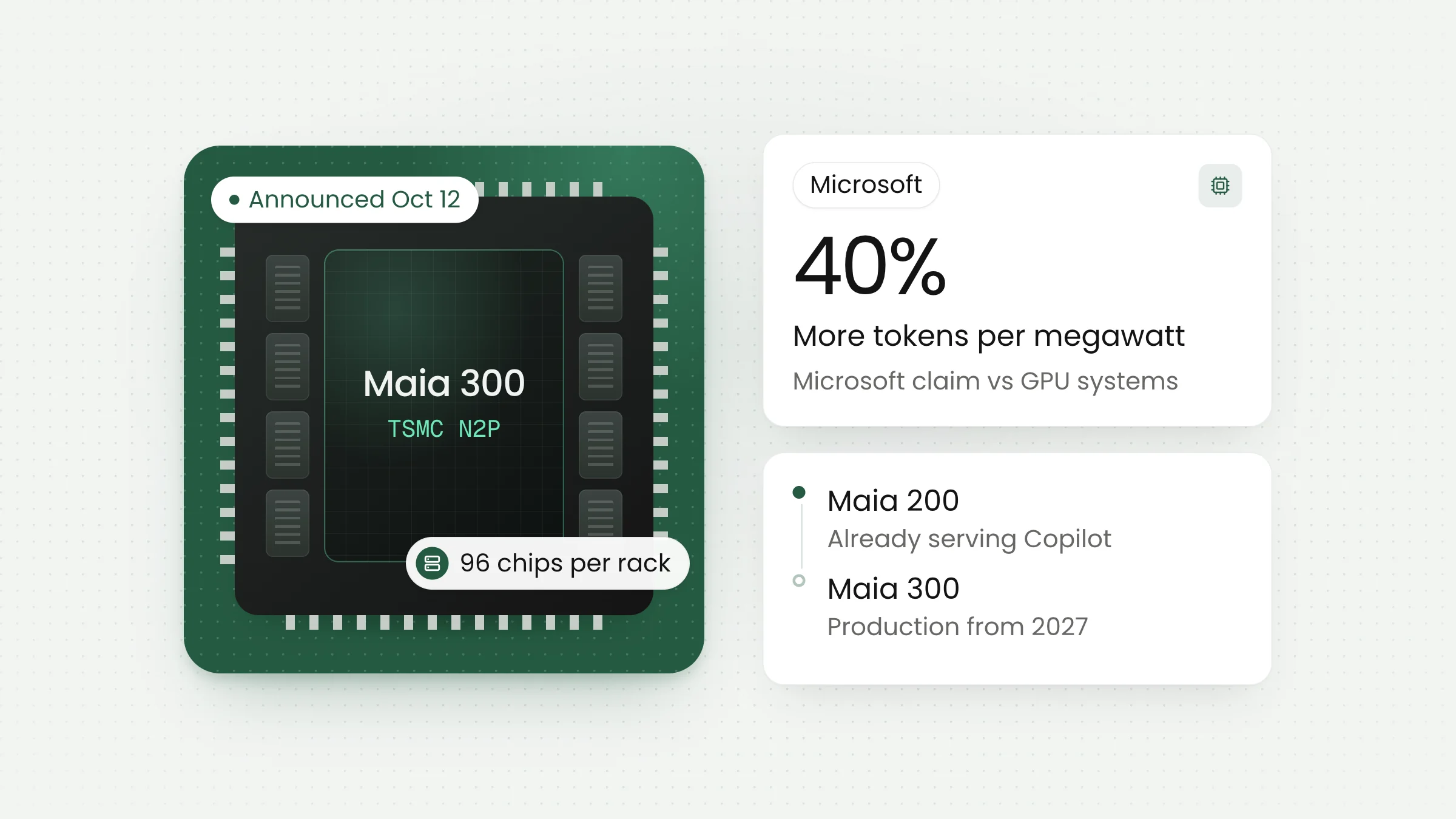
On cost, laptops in this class are not for everyone. For many tasks, a small model on an ordinary device or a cloud service still makes more sense. We covered how to calculate AI cost per task in our article on the Maia 300 chip, and the same logic applies to local device decisions.
Frequently asked questions
Is local AI automatically more secure?
No. Processing data on the device reduces what is sent out, but the risk shifts to the device itself: theft, malware, or an agent given too much access. Security still needs encryption, access limits, and clear policy.
Is the Surface Laptop Ultra sold in Indonesia?
The sources we read do not mention pricing or availability in Indonesia. Global shipping is reported to start on October 16. Contact an official Microsoft or Nvidia distributor for current information.
Should a small school or office buy one now?
Most likely not yet. The device is aimed at developers and creators who need heavy computing power. For everyday needs such as documents and meetings, existing devices are usually enough, and you can wait for independent tests and clear local pricing.
Closing thoughts
Local AI is not a trend you must chase today, but it is a direction worth watching. A better question than “which device should we buy” is “which data may be processed where, and who limits the AI agent”. If you would like to draft that policy or test AI in your organization, our artificial intelligence team is happy to talk it through, so feel free to contact us.
Sources
- TechCrunch, “Microsoft releases new Nvidia-chip AI PCs with revamped Windows 11” (October 7, 2026)
- TechXplore, “Microsoft pushes AI vision with new, expensive Surface laptop” (October 8, 2026)
- Yahoo Finance, “Microsoft debuts Nvidia-powered Surface Laptop Ultra as it aims for AI market” (October 7, 2026)
- IEEE Spectrum, “Nvidia RTX Spark Windows PC” (June 6, 2026)
- Unite.AI, coverage of Microsoft Execution Containers (October 2026)