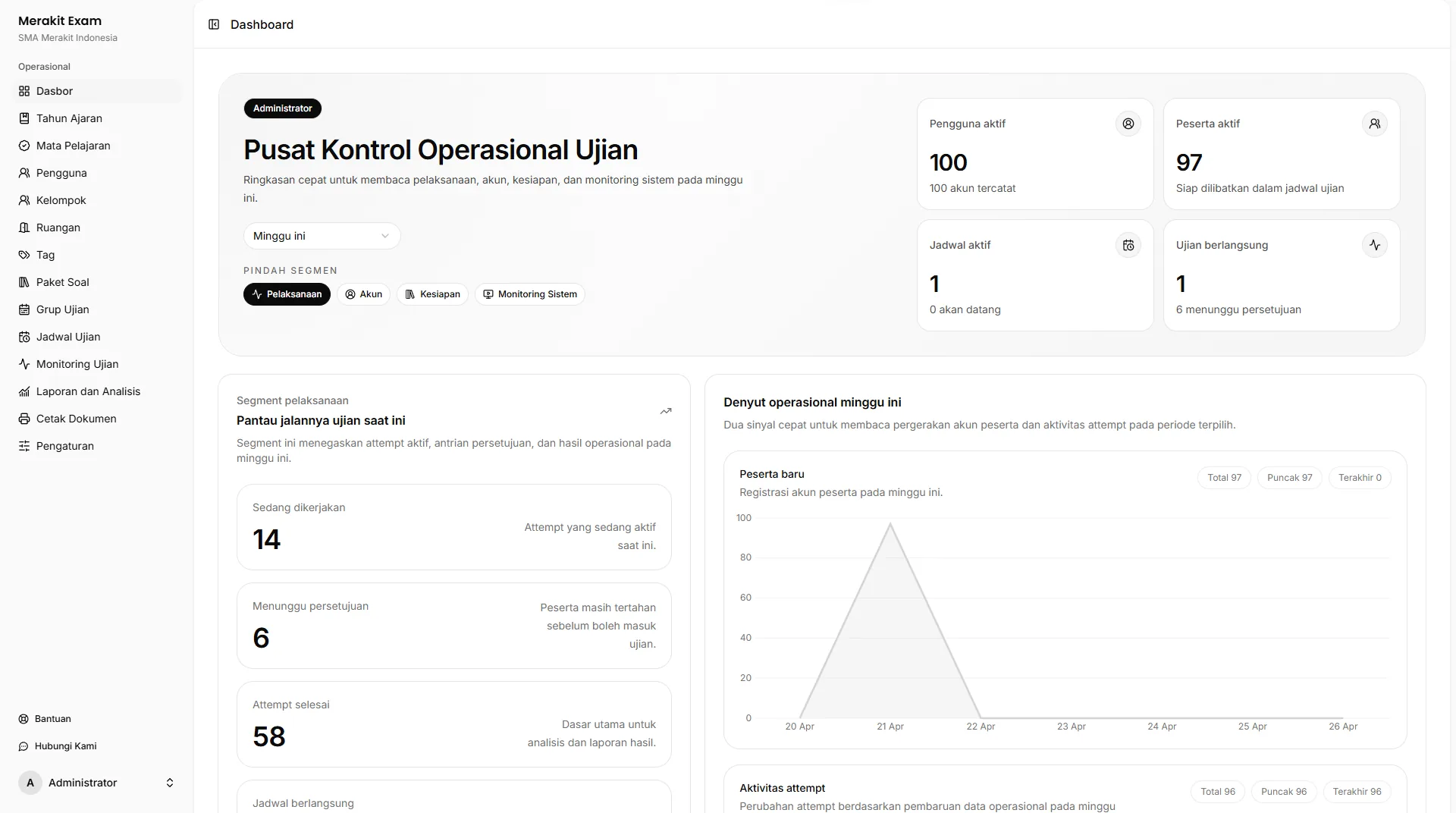
Merakit Exam is a web-based school exam platform for managing participants, question banks, exam schedules, participant attempts, live monitoring, analytical reports, and operational documents.
Who This Is For
This documentation is written for school and institution teams that prepare and run digital exams with Merakit Exam.
| Role | Documentation Focus |
|---|---|
| Super Admin | Initial setup, system settings, first accounts, and core access control. |
| Administrator | Master data, participants, schedules, monitoring, reports, and operational documents. |
| Teacher (“Pengajar”) | Question banks, the schedules they are responsible for, participant monitoring, and reports. |
| Participant (“Peserta”) | Signing in, the checkpoint, taking the exam, submitting answers, and viewing results. |
Implementation Flow
Follow this order to keep your configuration clean and easy to manage.
- Complete the initial setup and master data.
- Create question bank packages.
- Create exam groups and exam schedules.
- Define participants, timing, and exam rules.
- Run the exam through the participant flow.
- Supervise the exam from the monitoring page.
- Process results through reports and analysis.
- Print operational documents when needed.
Documentation Structure
The Exam documentation is split into several pages so each topic can be learned on its own.
| Page | Main Content |
|---|---|
| Setup and Master Data | Initial setup, academic years, subjects, users, participant groups, rooms, and tags. |
| Question Bank | Question packages, question types, validation, and practices for keeping questions consistent. |
| Exam Groups and Schedules | Exam groups, schedules, exam periods, duration, and participant rules. |
| Exam Security | Entry approval, IP restrictions, client checks, fullscreen mode, and minimum duration. |
| Participant Flow | Participant sign-in, checkpoint, taking the exam, saving answers, submitting, and results. |
| Exam Monitoring | Participant status, approvals, stopping/resuming attempts, and activity indicators. |
| Reports and Analysis | Score summaries, report filters, item analysis, export, and printing. |
| Printable Documents | Room numbers, seat numbers, participant cards, exam minutes, and attendance lists. |
| FAQ | Answers to common operational issues. |
Recommended Learning Order
Start with setup, then move on to question banks and exam schedules. After that, review security, the participant flow, and monitoring before running your first exam. Reports and printable documents can be learned once your exam structure is in place.