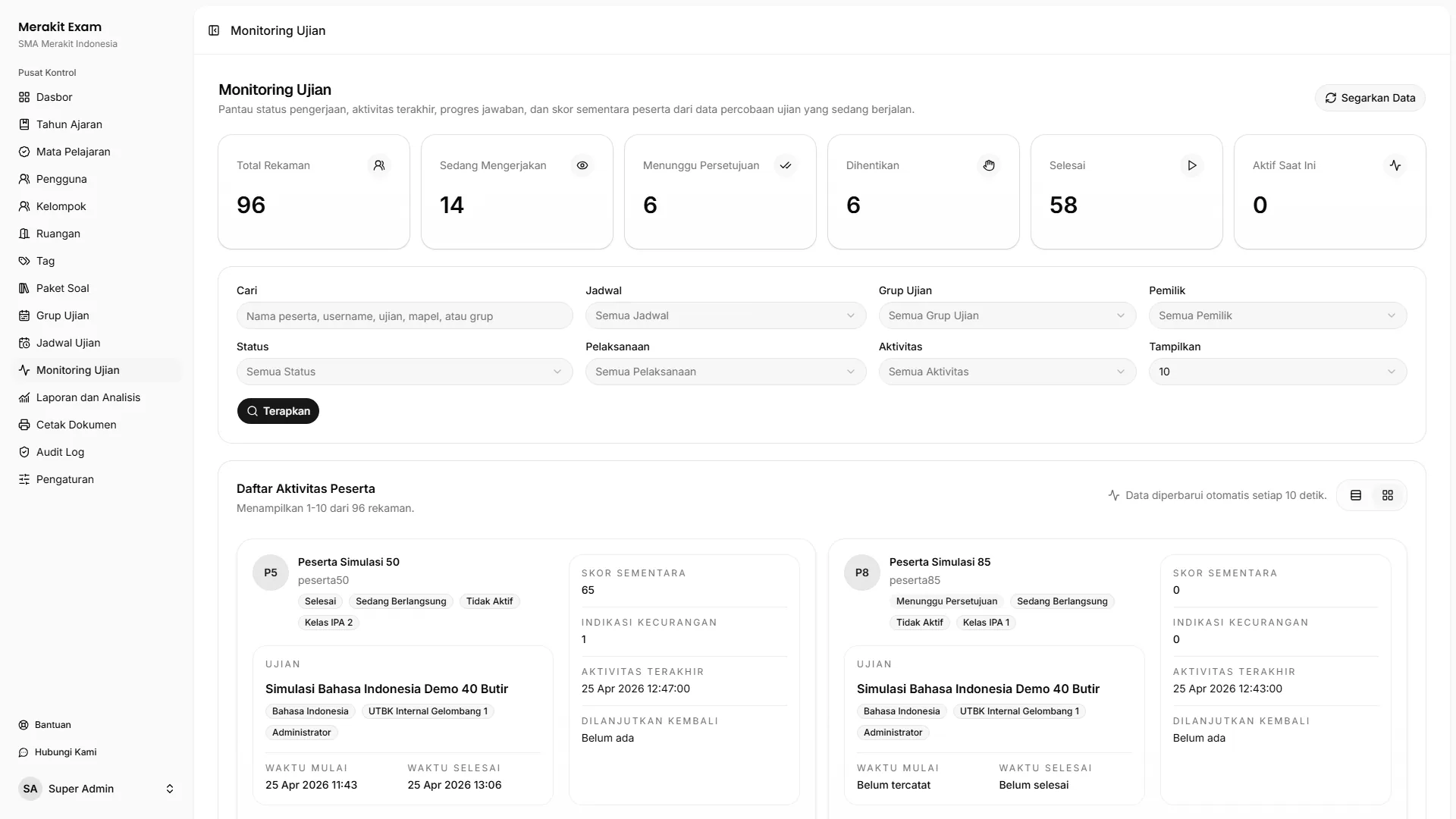
This page provides short answers to operational questions that often come up when using Merakit Exam.
What should be prepared before the first exam?
Make sure the academic year is active, participant accounts are active, participant groups and rooms are filled in, the Question Bank (“Bank Soal”) is complete, the Exam Schedule (“Jadwal Ujian”) is linked to the Question Bank, and the participant rules have been checked.
Who can monitor exams?
Super Admin and Administrator can view all data. Teachers (“Pengajar”) can monitor the schedules they are responsible for.
Why is a participant held at the checkpoint?
Common causes include:
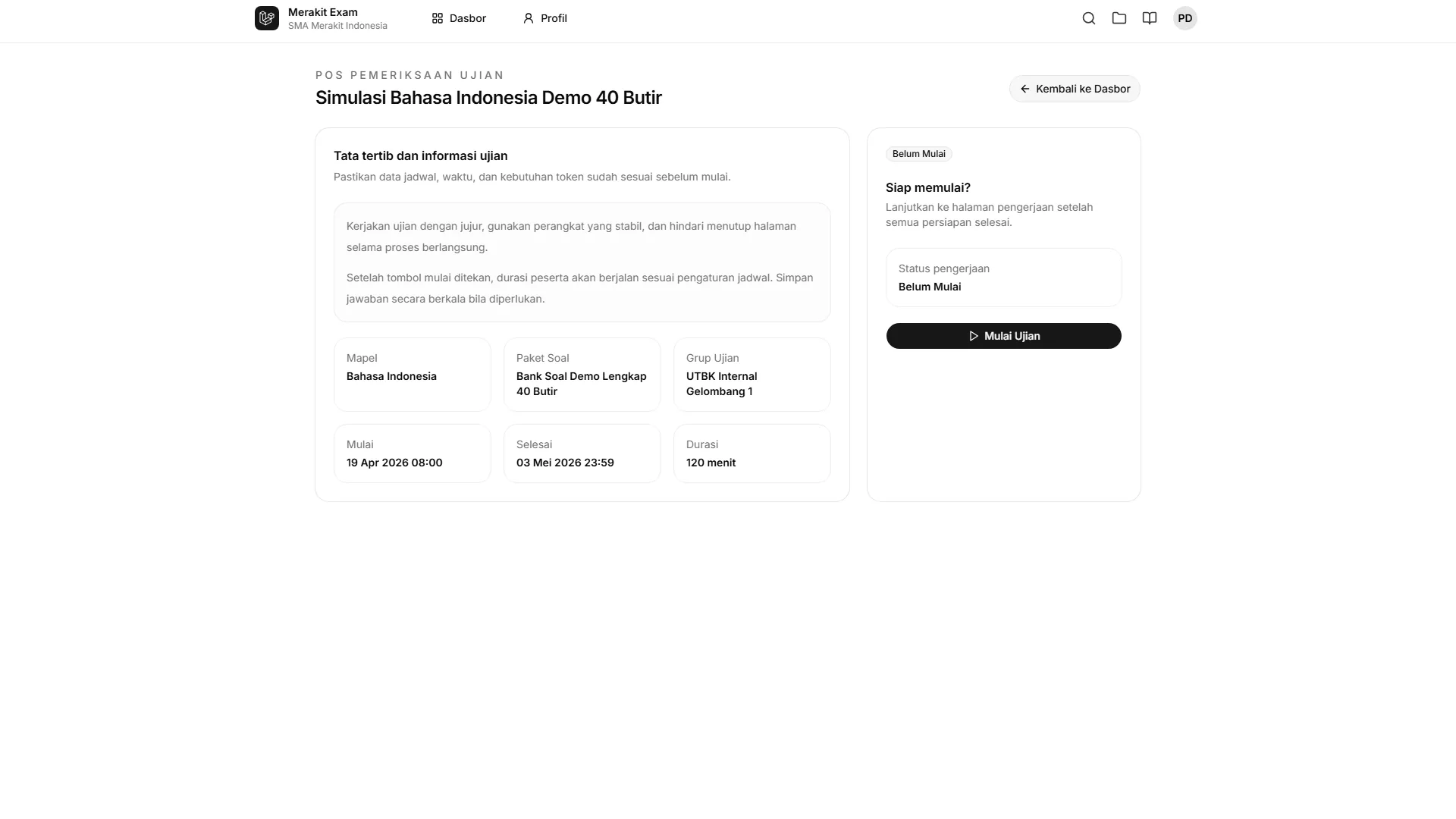
- The schedule has not opened yet.
- The participant is not included in the participant rules.
- The IP address does not match.
- The exam requires approval.
- The participant was previously stopped by an operator or the system.
Read the checkpoint message and compare it with the schedule settings.
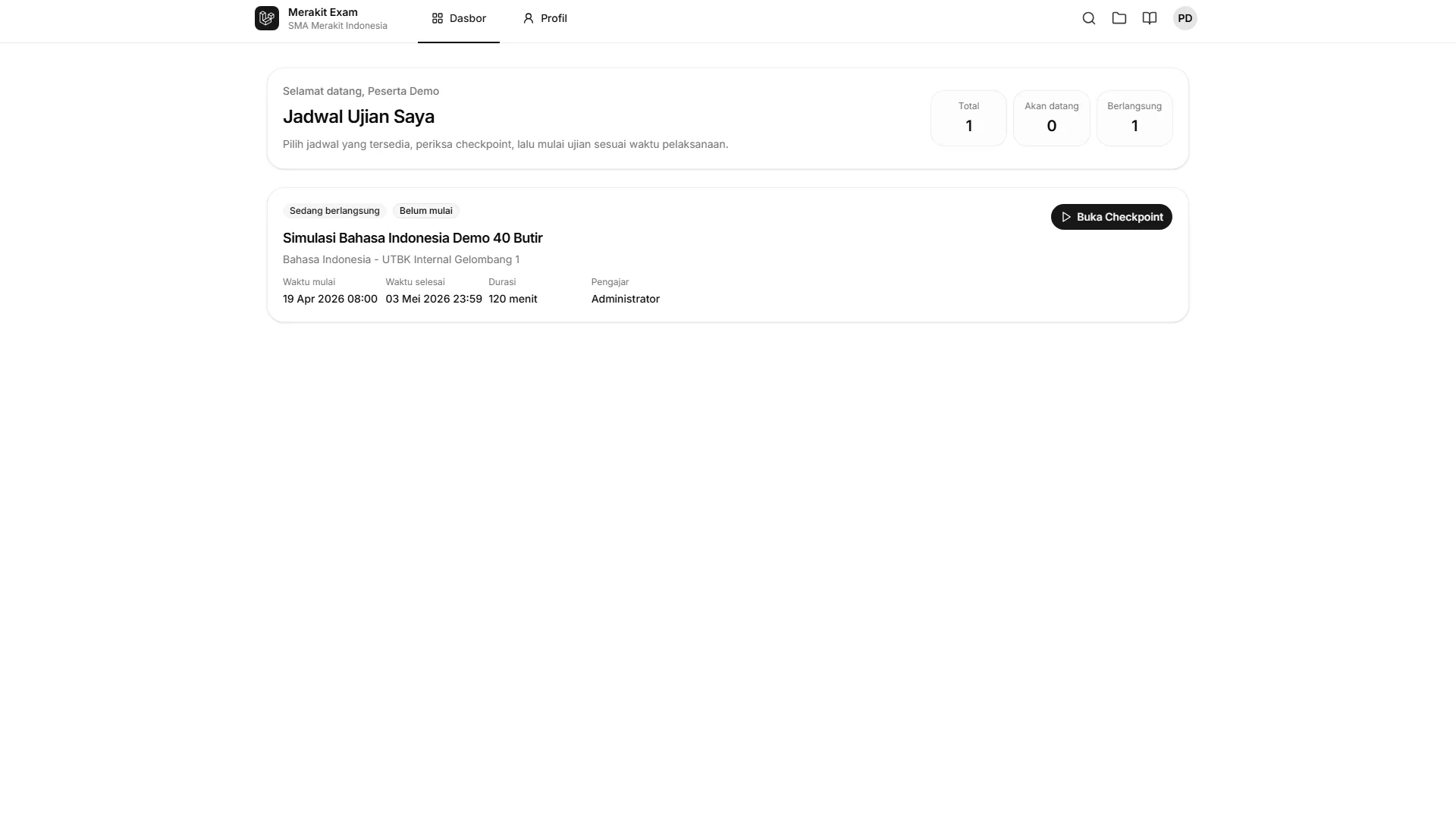
Why does the exam not appear on the participant dashboard?
An exam may not appear if the schedule is not yet available, the participant is not included in the participant rules, the participant account is inactive, or the schedule has not been linked to a Question Bank.
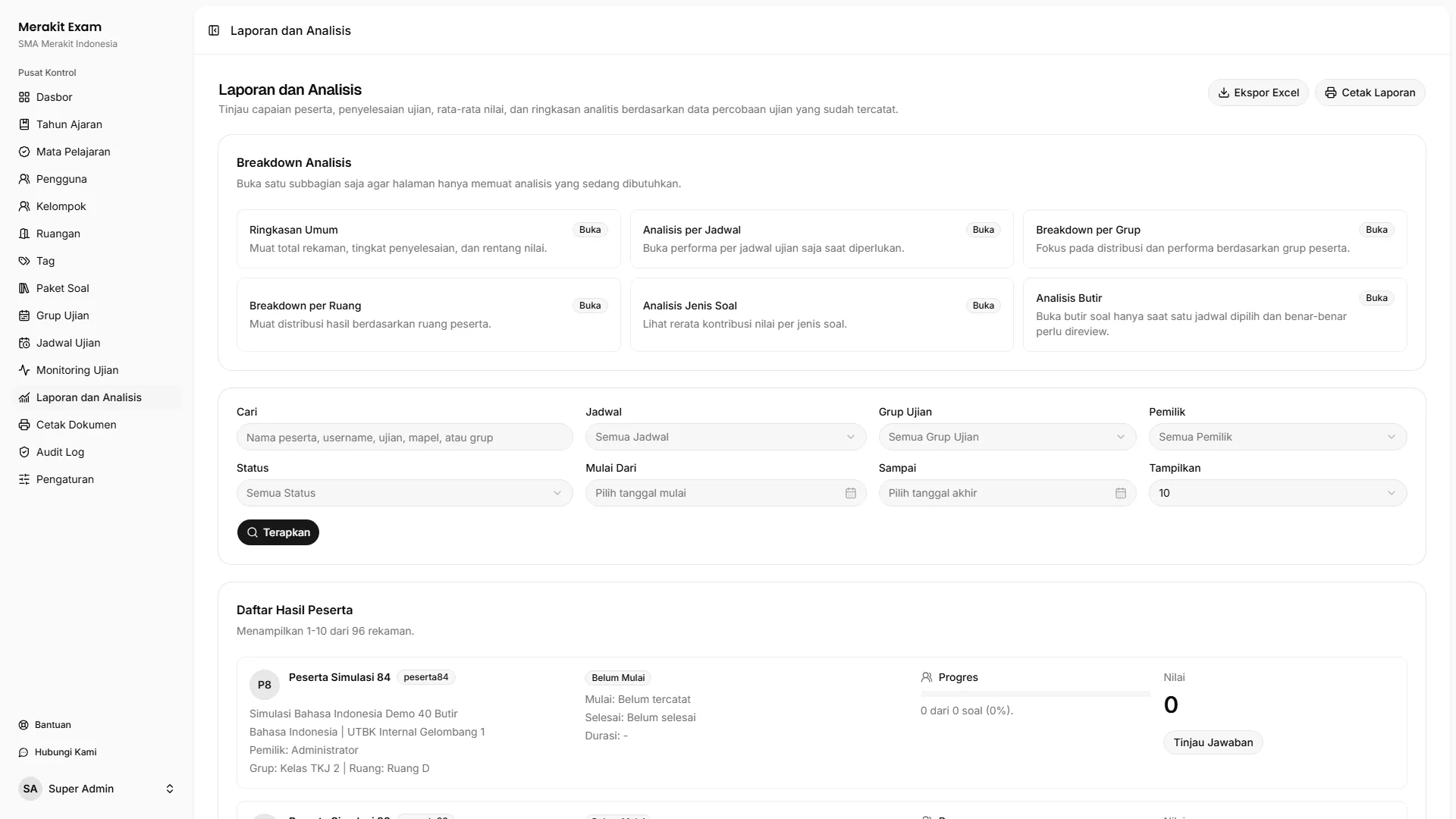
When can reports be used?
Reports can be opened both during and after the exam. The most complete score analysis is available once participants have finished their attempts and their answers have been saved.
Can a Question Bank be edited after it has been used?
It is best not to. A Question Bank that has already been used affects the consistency of exam delivery and reports. If major revisions are needed, create a new Question Bank.
What if a participant experiences technical problems?
Find the participant in Exam Monitoring (“Monitoring Ujian”), review their status and last activity, then take action according to the committee’s policy. Operators can stop or resume the attempt when that option is available for the participant’s situation.