Participants (“Peserta”) only see exams that are assigned to them and available according to the schedule rules.
Participant Sign-In
Participants sign in with the username and password provided by the school.
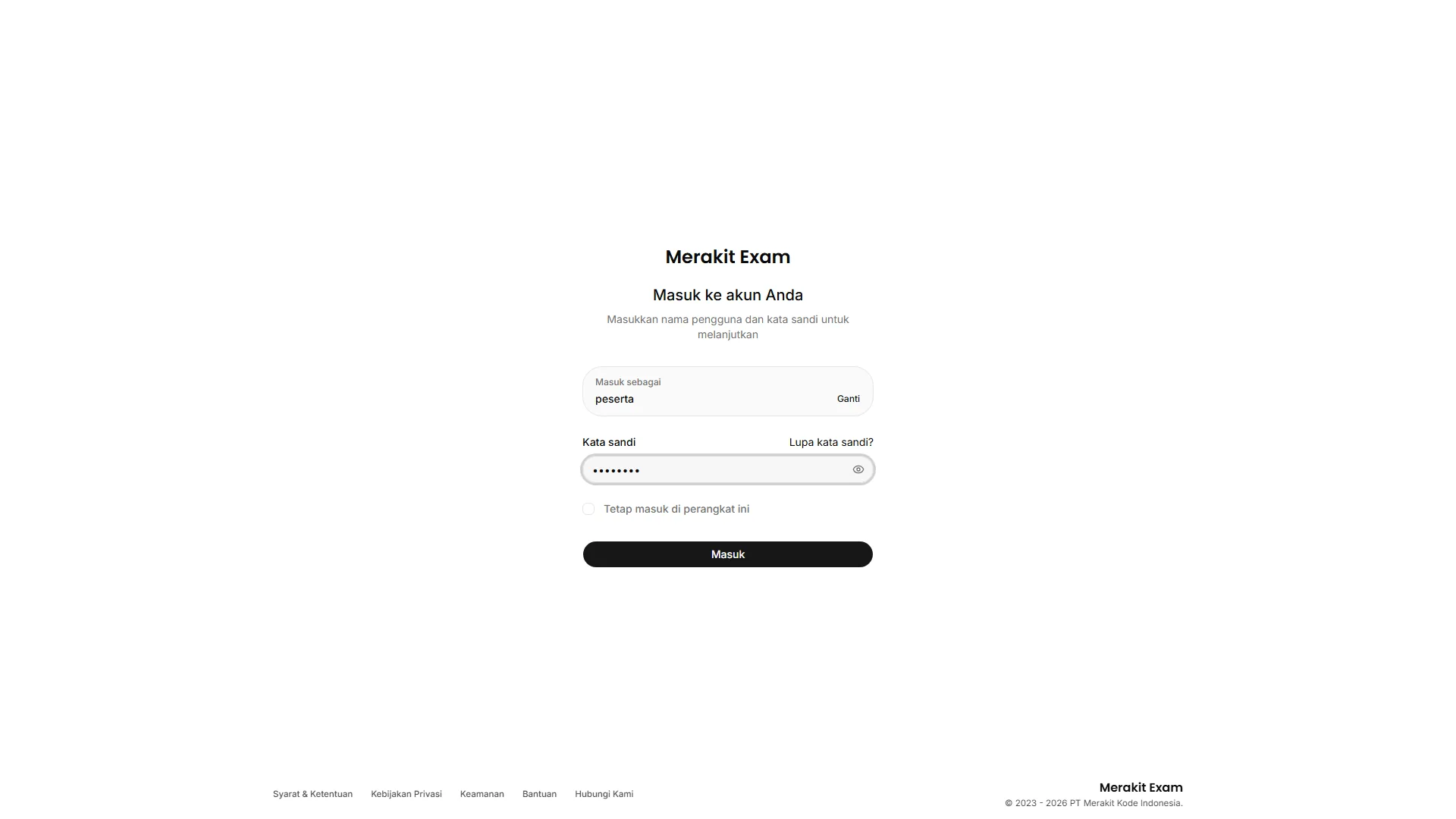
Before the exam starts, make sure that:
- The participant account is active.
- Participants know their username and password.
- Default passwords or participant cards have been distributed, if used.
- Participants are using devices and networks that meet the requirements.
Exam List
The participant dashboard shows the list of available exams.
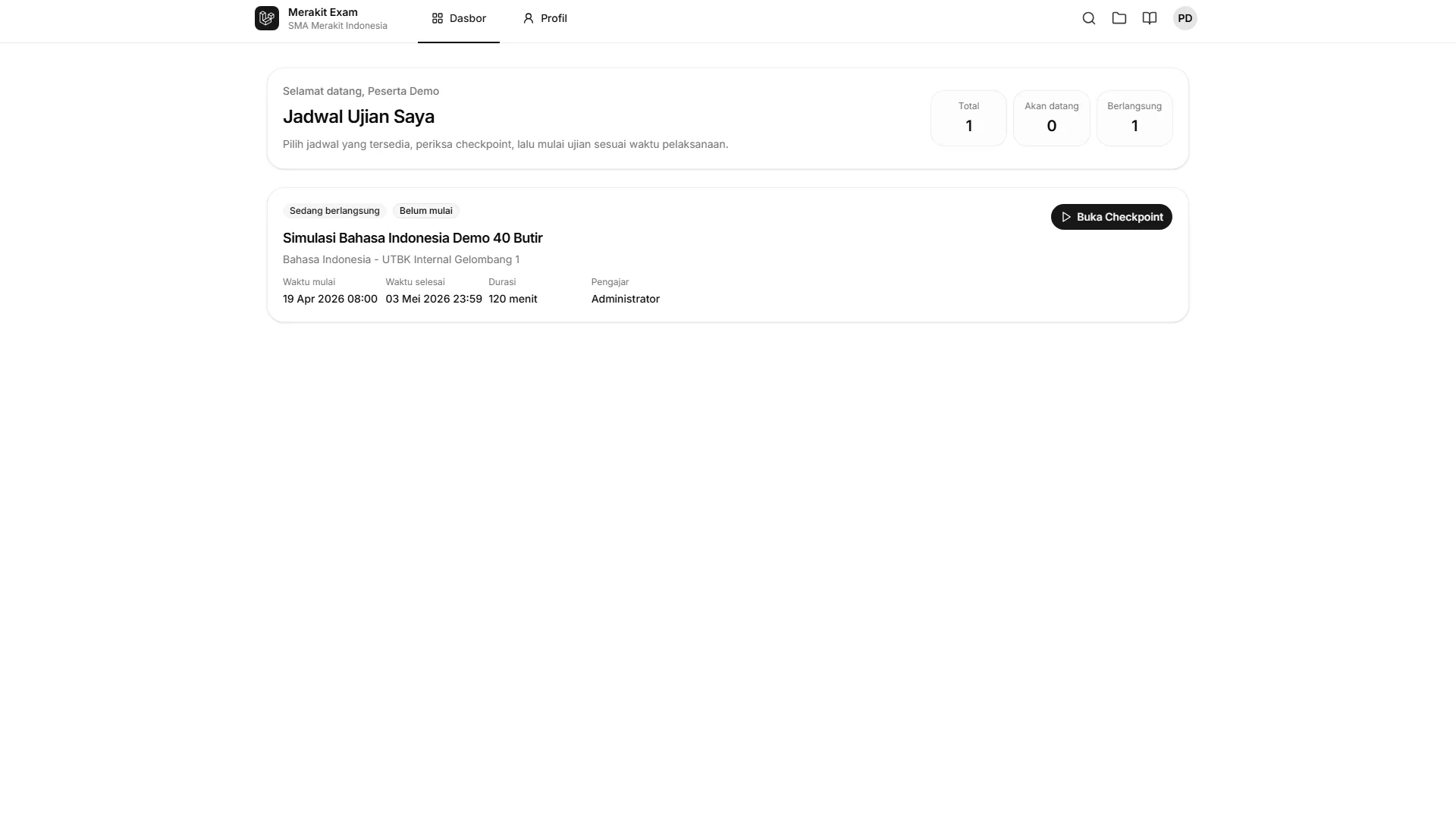
An exam may not appear if:
- The schedule has not opened yet.
- The participant is not yet covered by the participant rules.
- The participant account is inactive.
- The academic year or schedule data does not match.
Checkpoint
The checkpoint verifies the requirements before a participant starts the exam.
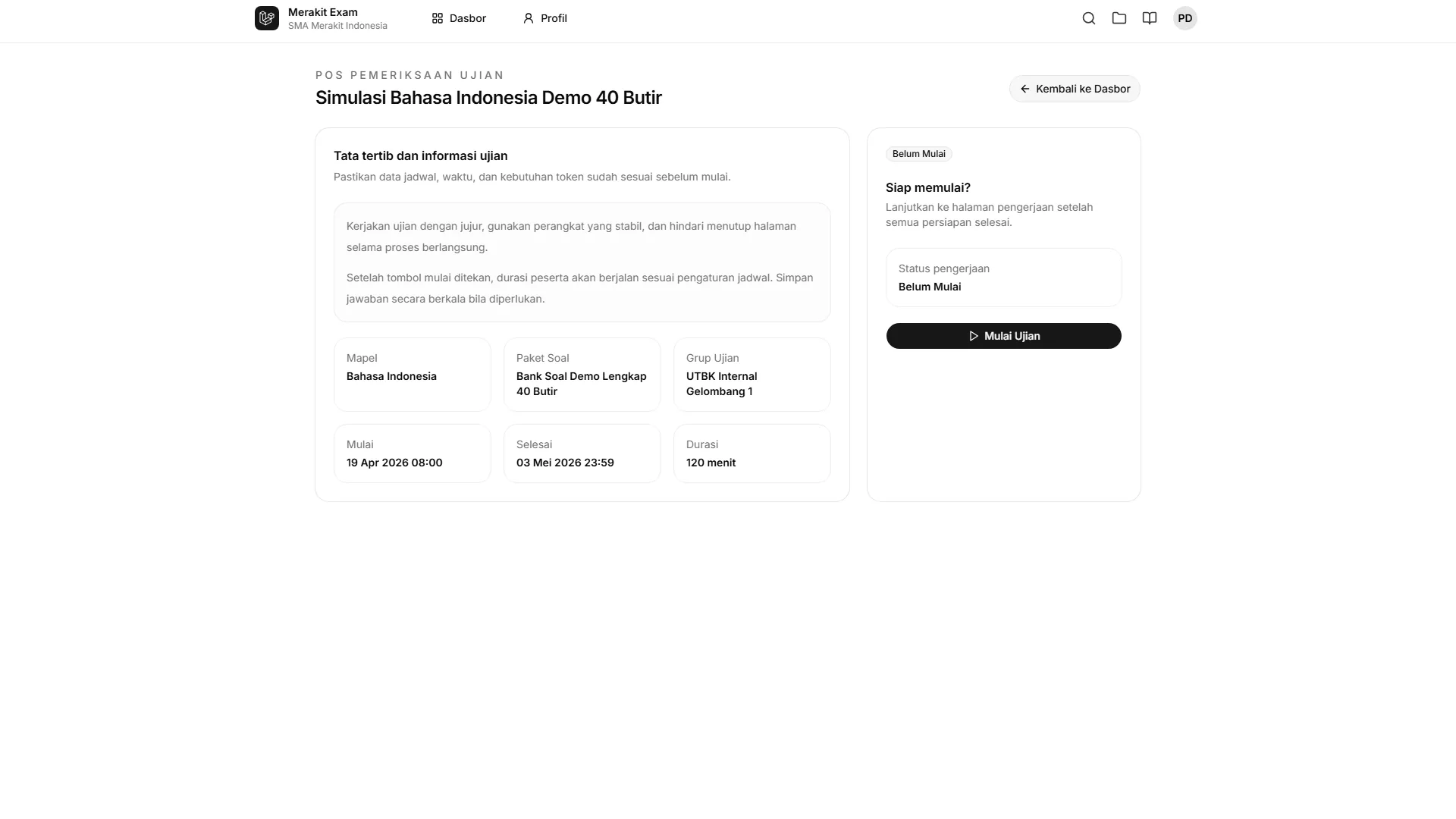
The system can check:
- Schedule status.
- Participant rules.
- Participant IP address.
- Entry approval.
- Status of any previous attempt.
- Other active technical requirements.
If a participant is held at the checkpoint, the operator should read the message shown and compare it with the schedule settings.
Taking the Exam
While the exam is in progress, participants answer the questions according to the duration and the rules that are enabled.
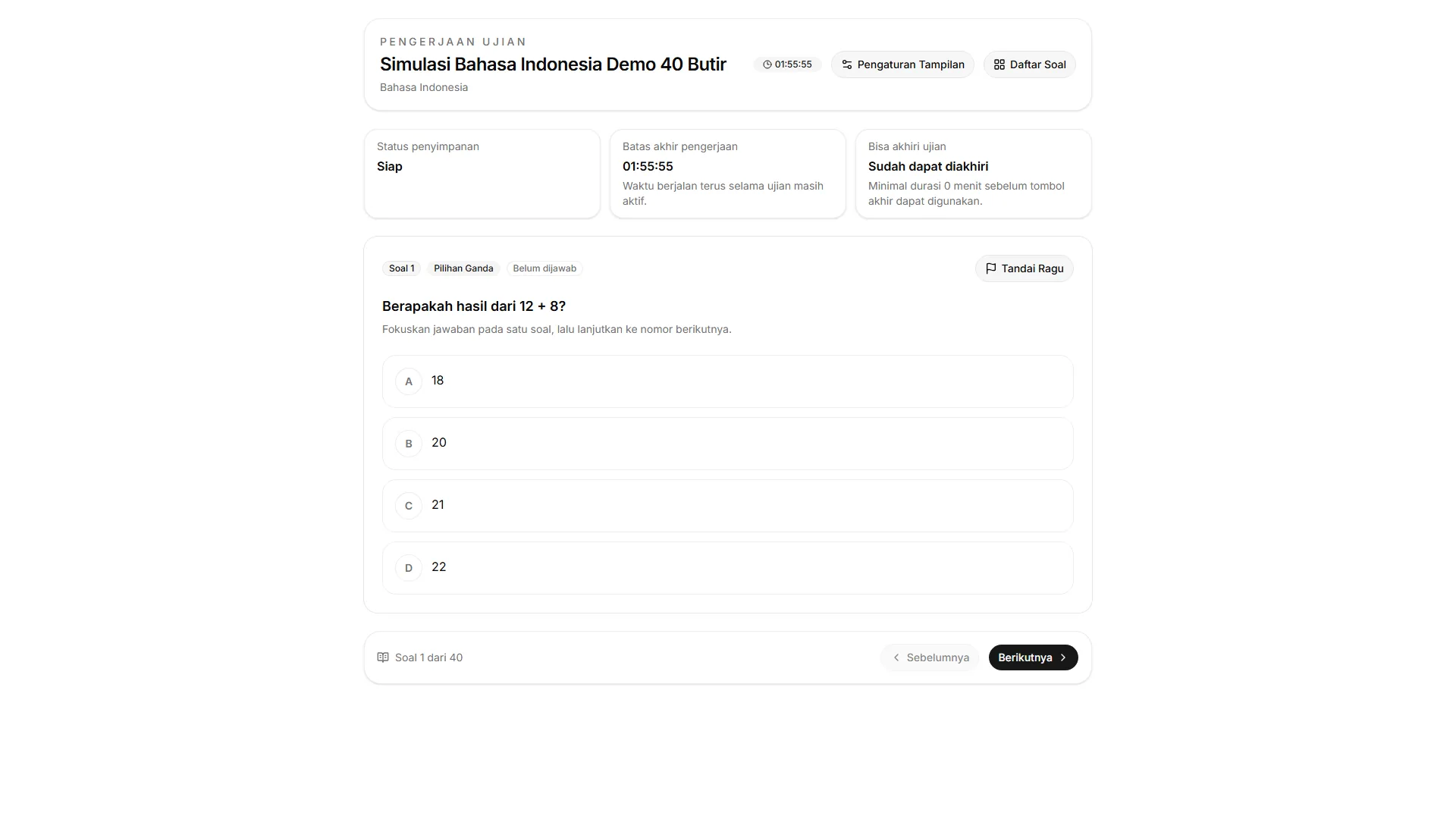
- Answers are saved periodically.
- Participants can move between questions according to the exam settings.
- Participants should keep an eye on the remaining time.
- Technical problems should be reported to the operator.
Submitting the Exam
Participants can submit the exam once the completion requirements are met.
Submission may be blocked if:
- The minimum duration has not been reached.
- An attempt validation requirement has not been met.
- The participant has connection problems.
After a successful submission, the participant’s status changes to completed.
Participant Results
Objective results can be shown to participants when result sharing is enabled.
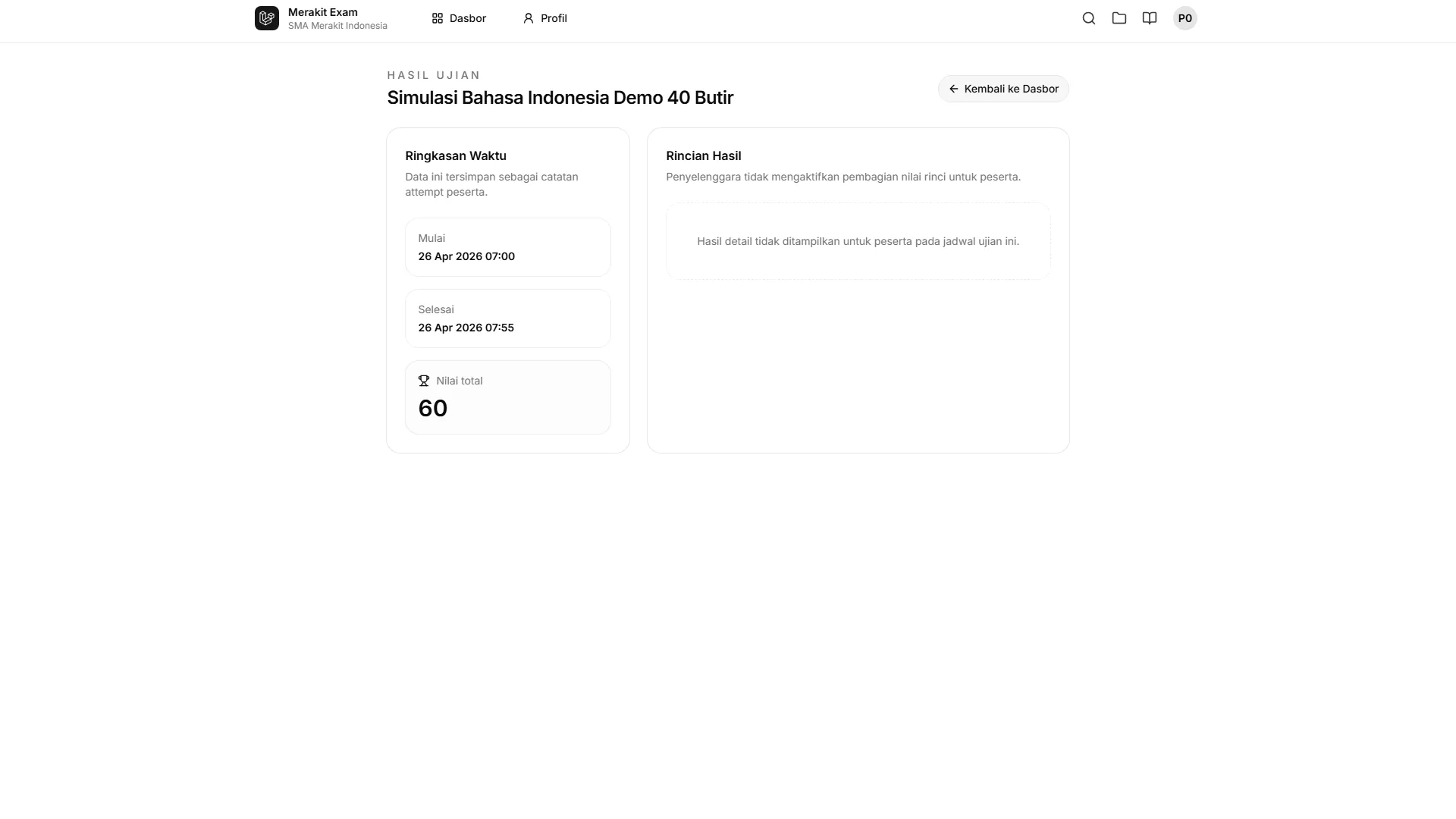
If results do not appear, result sharing may not be enabled, the exam may not have finished processing, or the question types may require manual grading.